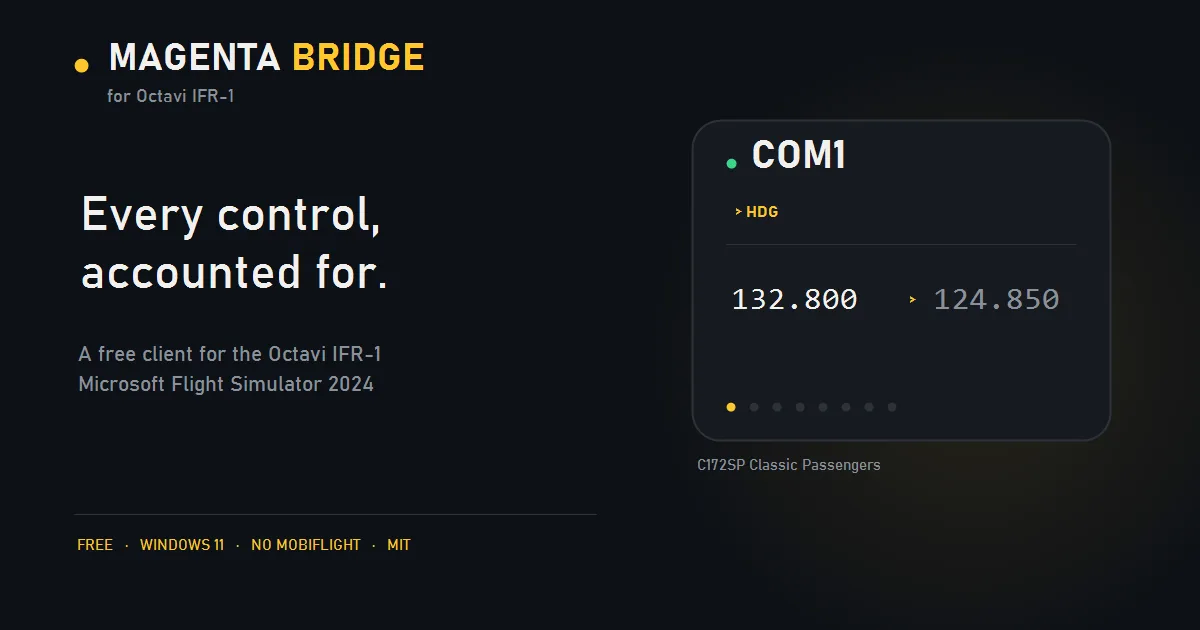
Magenta Bridge is a free, open-source Windows client for the Octavi IFR-1
panel, written from scratch for Microsoft Flight Simulator 2024. It talks to the panel directly and does not require
MobiFlight.
It is an independent alternative to the plug-in Octavi ships with the IFR-1 — not a
replacement for it, and not affiliated with or endorsed by Octavi.
Download:latest release
— Windows 11, self-contained, no installer and no .NET runtime required.
Download the file and copy it into your addons folder
No other addons needed
61 MB
Updated today · version v0.2.4
Magenta Bridge is a family of per-device clients. This one is for the Octavi IFR-1; each
product installs alongside the others, with its own settings folder and its own entry in the
taskbar, so they never collide.
I bought the panel, liked the hardware, and wanted to build on it. This is that.
Status: v0.2.4
Working and verified against live MSFS 2024 and a physical IFR-1, including FMS1 and FMS2 —
the GNS530/430 knobs and bezel buttons, with no MobiFlight. Those need a small module that the
app installs for you; see The FMS module below. Everything else works without it.
Requirements
Windows 11 (Windows 10 may work; untested)
Microsoft Flight Simulator 2024
An Octavi IFR-1 (VID 04D8, PID E6D6)
The download is self-contained — no .NET runtime installation needed.
Run it
Close Octavi's own plug-in if it is running (see Two programs, one panel).
Start MSFS and load a flight.
Run MagentaBridge-OctaviIFR1.exe. If the FMS card appears, press Install the module and
restart MSFS once — that is the only setup step, and nothing is downloaded.
The window opens and a tray icon appears. Closing the window quits; Hide sends it to the
tray. Everything relevant — which panel is connected, whether the sim is running, what the
radios are doing — is on the main screen.
What this does that the official plug-in doesn't
Being a replacement isn't a feature, so here is what is actually different.
Octavi's plug-in
This bridge
NAV1 / NAV2 standby tuning
The knob re-sends the frequency the sim just reported, so the value cannot move
Accumulates the pending frequency locally, so every detent changes it
Transponder mode (OFF/SBY/TST/ON/ALT)
Not in the client
Shift + knob cycles it, clamped at both ends like the real selector
Seeing what it's doing
No window of its own
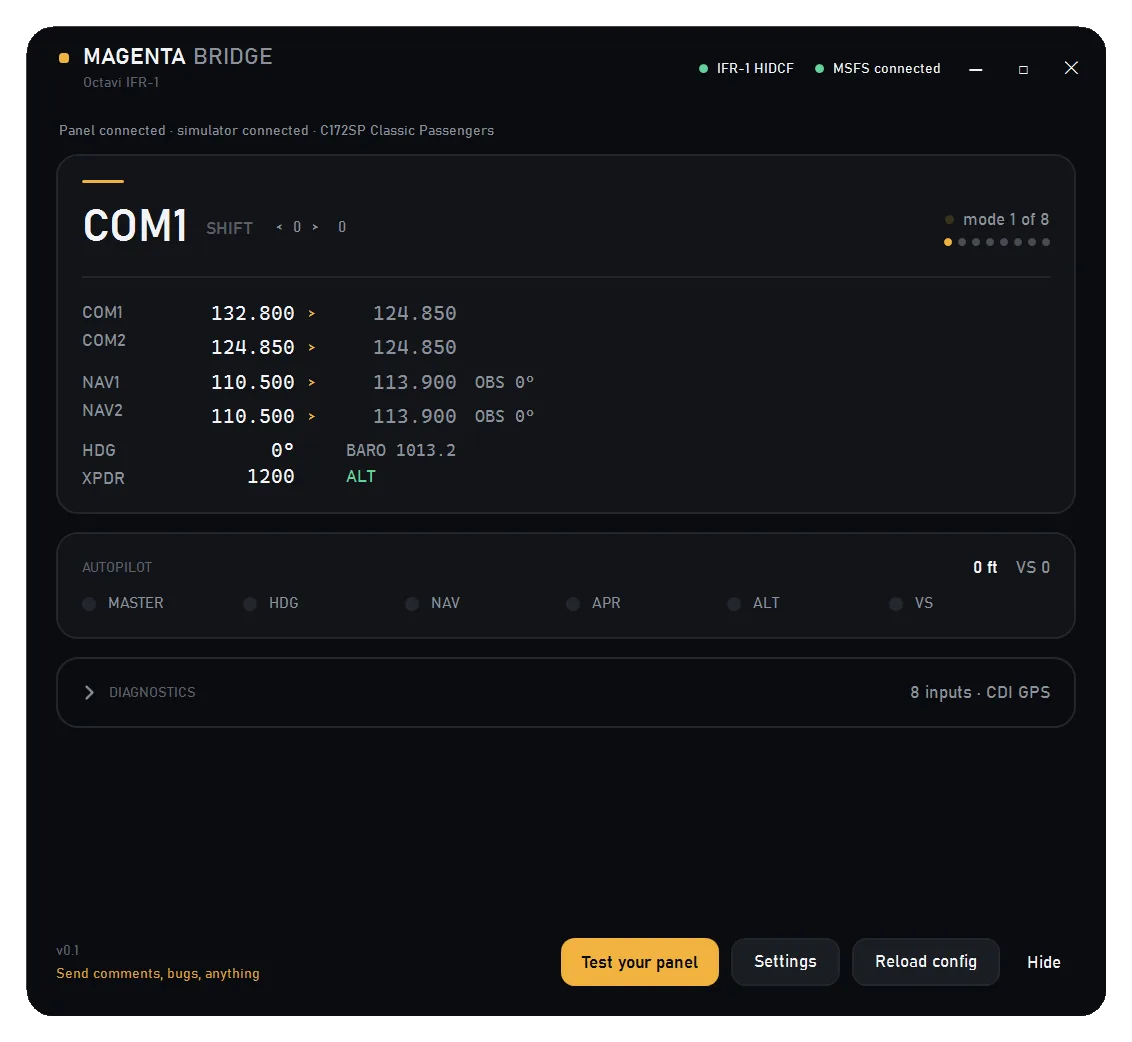
Live radio stack, AP lamps, mode, dial positions
Proving the panel works
—
Test your panel walks you through every control and ticks them off
When something can't work
No error reporting
Says why, in the window and the log (VS ignored by this aircraft, CDI on GPS, panel not answering)
Two clients competing
Controls stop responding
Detects Octavi's plug-in and offers to close it
Windows 11
Fixed-size bitmap UI
Per-monitor DPI, dark and light palettes, custom chrome
Remapping
Fixed
JSON config: per-mode bindings, device selected by serial
Long knob turns
One click, one step
Accelerates with turn speed
FMS (GNS530/430 buttons and knobs)
Needs MobiFlight installed
Works — the app installs one 15 KB module, nothing else
Licence / telemetry
Closed, unknown
MIT, no telemetry
What the official plug-in still does better: nothing that needs MobiFlight. Its FMS support
reaches the GNS knobs and softkeys only by talking to MobiFlight's module; this bridge now does
the same job through its own, which the app installs for you. If you already run MobiFlight for
other hardware, its route still works — you just don't need it here.
What works
Mode
Dial
Shift
COM1 / COM2
standby frequency, swap
HDG (10° / 1°), BARO
NAV1 / NAV2
standby frequency
CRS1 / CRS2
FMS1 (GNS530) / FMS2 (GNS430)
the gauge's large and small knobs, plus the knob presses
range zoom: hold the toggle button and turn
AP
target altitude (100 ft)
—
XPDR
squawk (2 digits per knob), IDENT
mode OFF / SBY / TST / ON / ALT
FMS modes also carry the six-button row: Direct To, MENU, CLR, ENT, and CDI / OBS / MSG / FPL /
VNAV / PROC. Both the GNS and the G1000 event names are sent for each action, so the same panel
works in an aircraft with either avionics suite; the one that is not fitted ignores the event.
Also: all six AP buttons, AP master, encoder acceleration, a guided Test your panel check,
dark and light themes, always-on-top, start with Windows, a live radio-stack readout, and the name of the aircraft you are actually flying.
Two programs, one panel
The IFR-1 is a single HID device and cannot be shared. If Octavi's plug-in is running, the
bridge receives nothing — the window looks connected and controls do nothing.
The app detects that and offers a Close Octavi plug-in button. Nothing is closed without
you pressing it. Use one client or the other, not both.
What does not work, and why
Vertical speed on some aircraft. The increment events are correct and the simulator
accepts them, but the C172's autopilot ignores remote VS by design; use its own UP/DN
buttons. The app detects this and says so.
The mode at launch. The panel only reports on change, and although it answers
HidD_GetInputReport it returns an all-zero report rather than its real state (verified with
the panel in FMS1). Until you touch the panel the window shows press any button, then
tracks it accurately.
GNS530/430 buttons need the module. They are not sim events, so a SimConnect client cannot
press them on its own; the module below does it from inside the simulator. With the module
absent, the FMS modes' knobs and buttons do nothing — deliberately, and the window says so
rather than pretending. The FMS CDI button works either way, via TOGGLE_GPS_DRIVES_NAV1.
The GPS add-on (the WASM module)
New to flight simulators? This is the only extra step, and it happens once.
The GNS530/430 - the GPS unit in the panel - has its own buttons: Direct To, MENU, CLR, OBS,
PROC and so on. They are not ordinary simulator controls, so an outside program cannot press
them; only something running inside the simulator can. Add-ons of that kind are called WASM
modules, which is a fussy name for a small file the simulator loads when it starts.
Magenta Bridge includes one. It is about 15 KB, already inside the app you downloaded, and there
is nothing else to fetch.
You never download it separately. It is embedded in the executable.
If it is missing, a card in the window offers Install the module. One click writes three
files into your simulator's Community folder, found by reading the sim's own UserCfg.opt.
Then restart MSFS. The simulator reads the Community folder once, at startup, so FMS1 and
FMS2 do nothing until it is restarted. The app says this when the install finishes.
From a console: MagentaBridge-OctaviIFR1.exe --module status, --module install,
--module remove.
To uninstall, delete Community\magenta-bridge-module. Nothing runs in the background, there
is no service, no settings file and no updater.
It is one module for the whole Magenta Bridge family, not one per product.
Without it the bridge is exactly what v0.1.0 was: every radio, autopilot, transponder and CDI
control, no GNS bezel buttons.
Settings
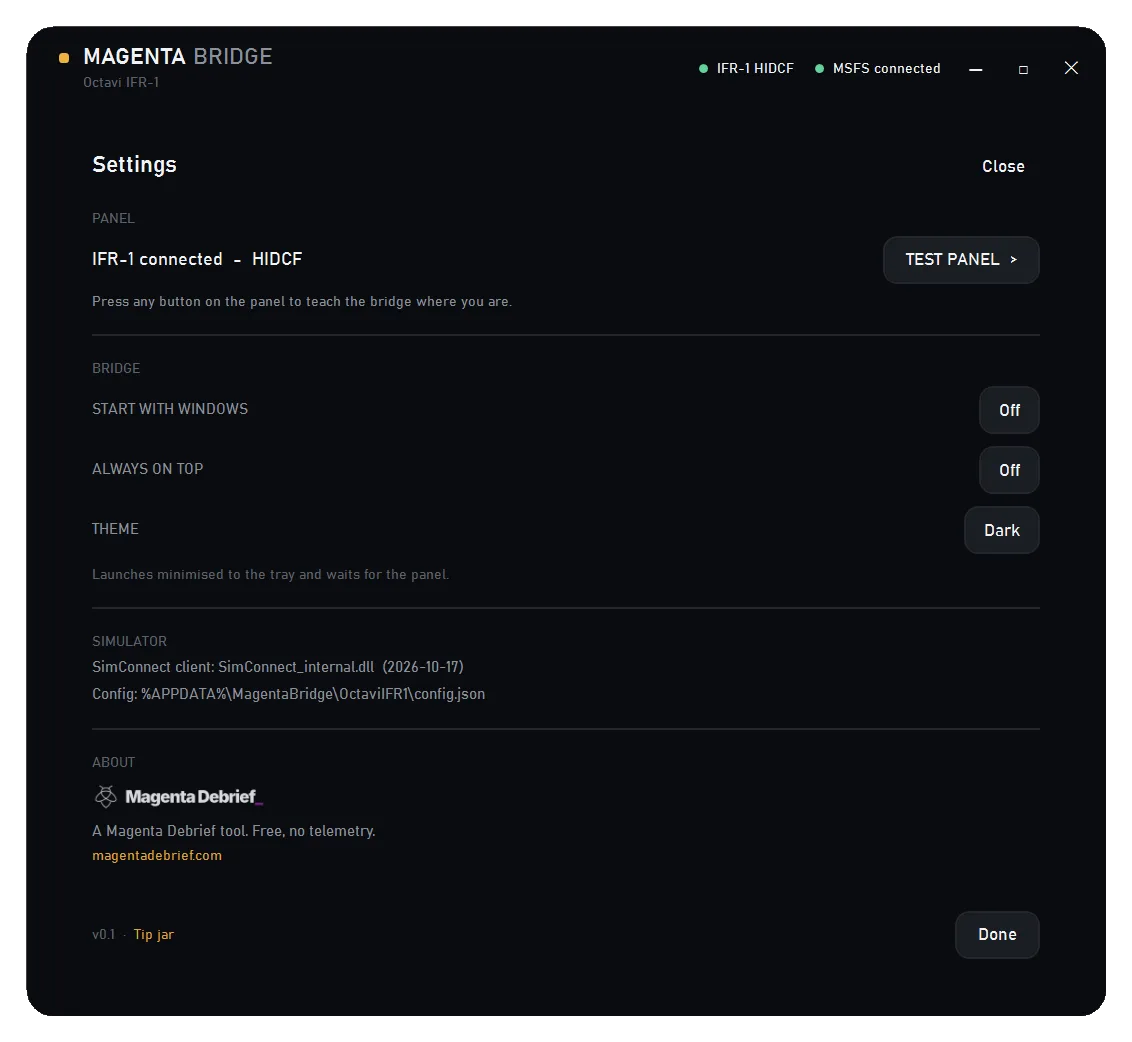
Panel status and the guided test, Start with Windows, Always on top, Theme, the resolved
SimConnect client, and the About/Magenta details. Esc closes it and returns to the main
view.
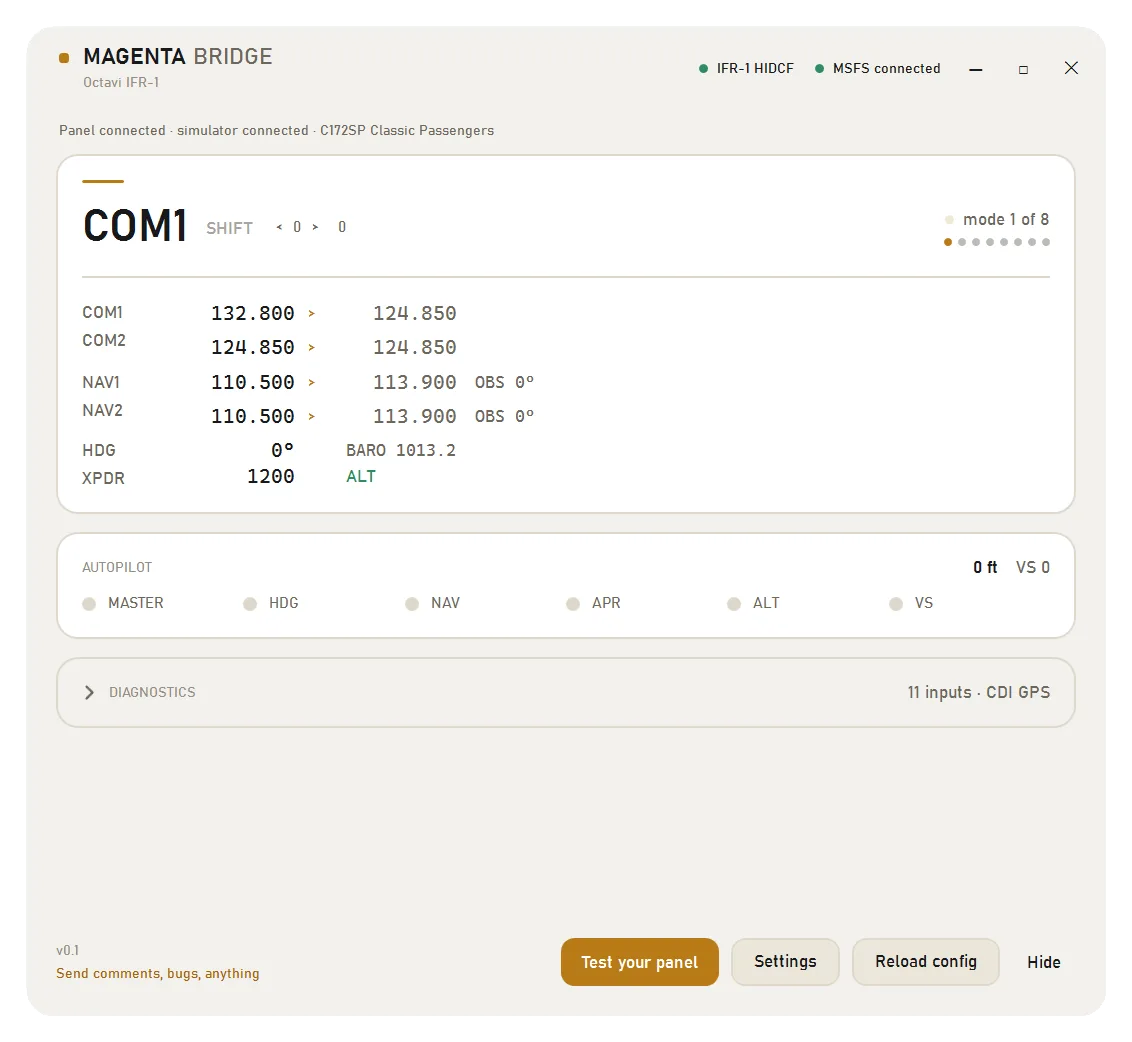
Light theme is a full second palette, not an inverted filter:
Troubleshooting
Symptom
Cause
Controls do nothing, no input counted
Octavi's plug-in is running and holds the panel. Use Close Octavi plug-in.
press any button at launch
Expected; the device does not answer a state query. Touch any control.
"Waiting for the panel. Check the USB cable."
The device is not enumerated. Reconnect it.
Simulator not detected
Start MSFS; the app reconnects on its own.
"SimConnect client: not found" in Diagnostics
The app could not find the sim's SimConnect library, which happens when the sim is installed somewhere unusual. Press Locate the SimConnect file in Settings, pick SimConnect_internal.dll from your MSFS folder, and restart.
The GPS add-on will not install, or Community is not found
Press Choose the Community folder in Diagnostics and pick it. A Steam install is the case the automatic search cannot always answer.
Logs live in %LOCALAPPDATA%\MagentaBridge\OctaviIFR1\logs\. Diagnostics in the app shows the tail;
the file holds the full rotating history.
--replay <path> runs the 47 self-checking assertions and writes the results; they cover every
mapping, the shift latch and the held-shift range gesture, NAV accumulation, transponder
clamping, the AP altitude/VS split, and the module's embed and routing contracts.
License
MIT. See LICENSE. Use it, fork it, ship it, ignore it — no permission needed.
No Octavi code, binaries or artwork are included. The HID protocol was recovered by
observation and reverse engineering for interoperability.
Supporting this
It is free and it stays free. If it saved you a fight with the plug-in, there is a tip jar at
magentadebrief.com/donate: one-off card payments, no
subscription, and nothing here is ever gated behind a payment.
Is Magenta Bridge for Octavi IFR-1 free to download?
Yes. Magenta Bridge for Octavi IFR-1 can be downloaded free from Hangar Addons. It is released as Open Source (MIT).
Which simulator is Magenta Bridge for Octavi IFR-1 for?
Magenta Bridge for Octavi IFR-1 is an addon in the Utilities category for MSFS 2024.
How do I install Magenta Bridge for Octavi IFR-1?
The quickest way is the Hangar Addons Manager: select Add to Addon Manager on this page and it downloads and installs Magenta Bridge for Octavi IFR-1 in the right folder. You can also download the file (61 MB), unpack it and copy it into your MSFS 2024 addons folder. The installation guides on Hangar Addons show where that is.
Who made Magenta Bridge for Octavi IFR-1?
Magenta Bridge for Octavi IFR-1 was made by Magenta Debrief and shared on Hangar Addons by Alan Soon.
What is the latest version of Magenta Bridge for Octavi IFR-1?
The latest version is v0.2.4, last updated on November 13, 2026.